No products in the cart.
What is Wireless Charging / MagSafe?
There’s a growing buzz around wireless charging, especially when it comes to Apple’s MagSafe technology. If you own an iPhone 12 or later, you might have wondered what MagSafe actually is and how it differs from traditional wireless charging methods. Let’s explore what MagSafe means for your charging experience and how it works.
First off, MagSafe is Apple’s patented magnetic wireless charging technology designed to make charging your iPhone more efficient and convenient. Unlike the earlier wireless charging standard known as Qi, which Apple started supporting from iPhone 8, MagSafe takes things further by using magnets to align your phone perfectly with the charger. This magnetic alignment reduces issues like slow charging or your phone being misplaced on the charger, which often happens with traditional wireless charging pads.

Apple’s magnetic charging technology actually has its roots in a much older MacBook feature introduced back in 2006. That original MagSafe was a safety mechanism for charging cables, using magnets to detach the power connector safely if someone accidentally pulled on the cord. This prevented falls and cable damage. Fast forward to 2020, and Apple adapted this magnetic concept to wireless charging for the iPhone, creating a system where “just placing your phone down” can initiate fast, efficient charging.
So, how does MagSafe work? At its core, it’s based on electromagnetic induction, a concept you may have learned in school. When electricity flows through a coil inside the charger, it generates a magnetic field. MagSafe adds another layer by placing a ring of magnets around the charging coil inside your phone, ensuring that the charger snaps firmly and precisely into place. The result is a more stable connection that boosts charging power from 7.5 watts on traditional Qi chargers to up to 15 watts with MagSafe. Additional improvements like a special nanocrystalline panel and multiple sensors help the device detect and maintain an optimal magnetic field, which enhances safety and efficiency during charging.
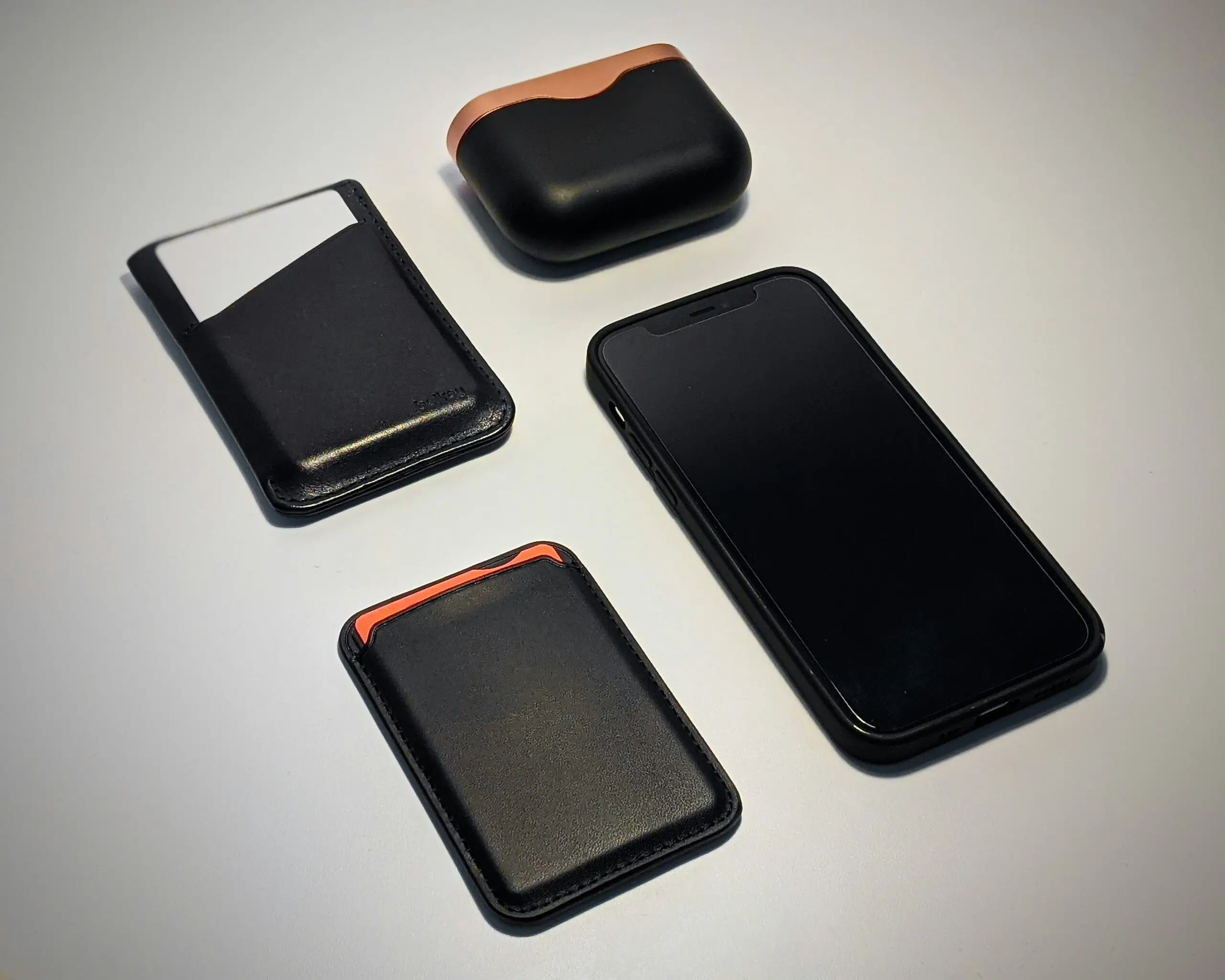
While you can use regular wireless chargers with your iPhone, MagSafe chargers offer unique advantages. For example, you can even charge your phone with a MagSafe-compatible case on, as MagSafe cases are designed to allow proper magnetic attraction and charging efficiency. Regular cases might still work, but they often reduce the magnetic hold and can lower the charging speed due to thickness or material interference.
One thing to keep in mind is that MagSafe wireless charging won’t match the speed of wired fast charging. If charging quickly is your top priority, wired fast charging remains superior. However, MagSafe’s convenience and enhanced magnetic connection provide a seamless user experience for everyday charging needs. To achieve the fastest MagSafe charging speeds, using a charger with an output of 20 watts or higher is recommended, ensuring your phone can fully benefit from MagSafe’s capabilities.
A quick caution about safety when using MagSafe: magnetic fields can affect magnetic strips or RFID chips on credit cards, so avoid placing cards between your phone and the charger to prevent any potential damage. Also, MagSafe and traditional Qi chargers cannot charge your phone simultaneously, so the phone will prioritize wired charging if both are connected.
To make the most of MagSafe accessories, look out for the “Made for MagSafe” (MFM) certification. This label guarantees that the product is officially authorized by Apple, ensuring safety, compatibility, and the ability to deliver the full 15-watt charging power. Accessories labeled only as “MagSafe compatible” may work but usually offer lower charging speeds and may not have passed Apple’s rigorous standards.
Lastly, MagSafe takes wireless charging beyond just placing your phone on a pad. It brings precision, speed, and versatility, making charging your iPhone a more user-friendly experience. Whether you’re upgrading your accessories or just curious about how to charge smarter, understanding MagSafe can help you make the most of your device’s capabilities.