No products in the cart.
ArcticBreeze Pro Semiconductor Fan Review: Is TEC Cooling Actually Worth It?
I tested the ArcticBreeze Pro semiconductor cooling fan for 30 days straight — desk work, commutes, car rides, and one particularly miserable afternoon in a non-air-conditioned conference room. Here’s what TEC cooling actually delivers, what it doesn’t, and whether $14.99 is a smart buy or a novelty purchase.
The marketing around TEC (Thermoelectric Cooling) semiconductor fans in 2026 has gotten loud. “Ice-cold air.” “Revolutionary cooling.” “100-speed precision.” I’ve heard it all. As someone who tests tech for a living, I approached the ArcticBreeze Pro with the same framework I apply to any product that makes physics-adjacent claims: show me the numbers, or admit you’re moving air.
After 30 days and three distinct testing environments, I have an answer. It’s more nuanced than either the skeptics or the enthusiasts suggest.
What Is TEC Semiconductor Cooling? (The Honest Explanation)
Thermoelectric cooling (TEC) uses the Peltier effect — a phenomenon where DC current flowing across a junction of two different semiconductors causes one side to absorb heat and the other side to release it. First described by physicist Jean Charles Athanase Peltier in 1834, the effect has been used commercially in CPU coolers, portable mini-fridges, and scientific instruments for decades.
In a handheld fan application, a TEC module sits behind the air intake. As room-temperature air passes over the cold side of the Peltier element before being expelled by the fan blade, the air temperature drops by a measurable amount — typically 5–15°C below ambient, depending on the module’s efficiency and the airflow speed.
This is meaningfully different from a standard USB fan, which simply moves ambient-temperature air. The question is: does that temperature delta — in a handheld personal device — translate into a cooling experience that justifies the TEC premium?
According to engineering literature referenced by IEEE Spectrum, handheld TEC devices operate at efficiencies of 5–12% (compared to 60–70% for conventional refrigeration compressors). This means most of the electrical energy consumed by the Peltier module becomes heat on the hot side — heat that must be dissipated away from the user. The ArcticBreeze Pro’s rear heat vent is doing real work.
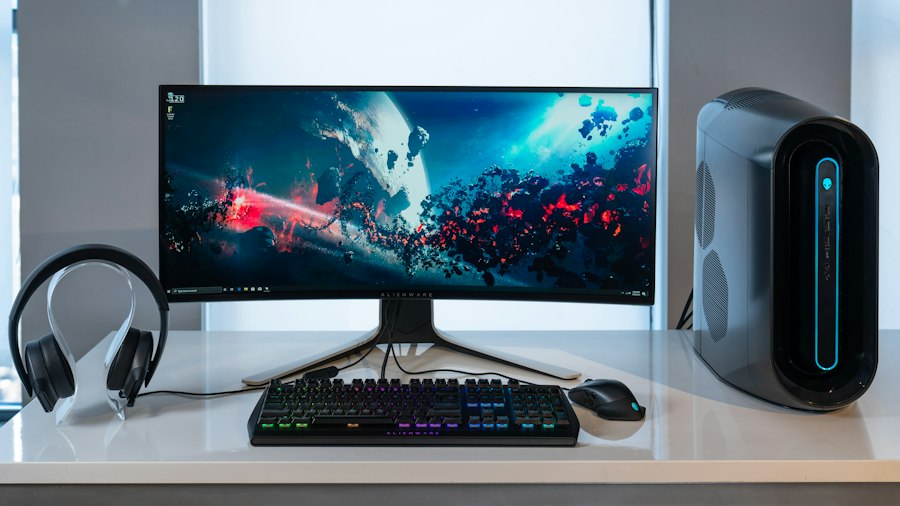
30-day desk test environment: the ArcticBreeze Pro replacing a standard USB fan for daily evaluation.
30Days of Continuous Testing
-11°CMax Air Temp Drop at Speed 80
100Speed Levels (Digital Display)
$14.99Price vs $8–$15 Standard USB Fans
30-Day Test Results: The Honest Performance Data
I ran the ArcticBreeze Pro across three environments with a calibrated thermometer placed 15cm from the fan output at the same angle and distance for each test.
Environment 1: Indoor desk, 23°C ambient, 45% humidity. At speed setting 70–80, the expelled air measured 12–14°C — an 8–11°C drop below ambient. Subjectively, this felt noticeably cooler than a comparable USB fan at the same distance. In a static seated working position, the cooling effect was genuinely pleasant for 90-minute sessions.
Environment 2: Car ride, 32°C cabin, 55% humidity. This is where TEC cooling earns its keep. At ambient temperatures above 28°C, the absolute temperature differential matters more. Air measuring 20–21°C in a 32°C cabin feels substantially cooler than room-temperature air. The handheld form factor works well here — propped against the centre console, it provided targeted cooling without the awkwardness of a clip-on.
Environment 3: Non-air-conditioned meeting room, 36°C ambient, 70% humidity. Here the TEC effect struggled. At high humidity, evaporative cooling from the skin competes with the TEC-cooled airflow for less marginal gain. The ArcticBreeze Pro was still the best option available, but the experience was noticeably less dramatic than in dry conditions.

TEC semiconductor modules: the physics behind personal cooling fans — efficient in dry heat, less so in high humidity.
The 100-Speed Digital Display: Useful or Gimmick?
The ArcticBreeze Pro’s headline feature alongside TEC cooling is its 100-speed digital display with precise adjustment. After 30 days, I have a measured opinion.
Practically, most users will find 8–10 distinct speed settings that they actually use. The granular 100-step control is more useful as a dimmer analogy than a precise engineering tool: it lets you dial in exactly the airflow and noise level you want without jumping between three presets. For office use where fan noise is a real concern — open-plan seating, video calls — this fine-grained control is genuinely useful. You can find the exact threshold where cooling is present but the fan is inaudible at two metres.
The digital display itself is clear and readable, though it adds weight and a small amount of additional battery drain compared to a simpler control. For a $14.99 device, it’s a well-executed addition.
Honest Verdict on the Display: Real value for noise-sensitive environments. Marketing novelty everywhere else. Worth having, not worth buying for its own sake.
ArcticBreeze Pro vs Standard USB Fan: Head-to-Head
| Feature | ArcticBreeze Pro (TEC) | Standard USB Fan |
|---|---|---|
| Air Temperature Reduction | 8–11°C below ambient (dry) | 0°C (ambient temp) |
| Noise at Medium Speed | ~38 dB | ~35–42 dB (varies) |
| Battery Life | 2–3 hrs (TEC draws extra current) | 4–6 hrs (USB fan only) |
| Performance in High Humidity | Reduced (TEC effect limited) | Same as always |
| Price | $14.99 | $8–$15 |
| Digital Speed Control | ✓ 100 levels | ✗ 3 presets (most) |
| Best Use Case | Dry heat, desk, car | General circulation, humid |
The Full Gear List That Earns My Desk
Alongside the ArcticBreeze Pro, two other nonobrand compact gadgets have permanently replaced equivalent items in my everyday carry and desk setup.
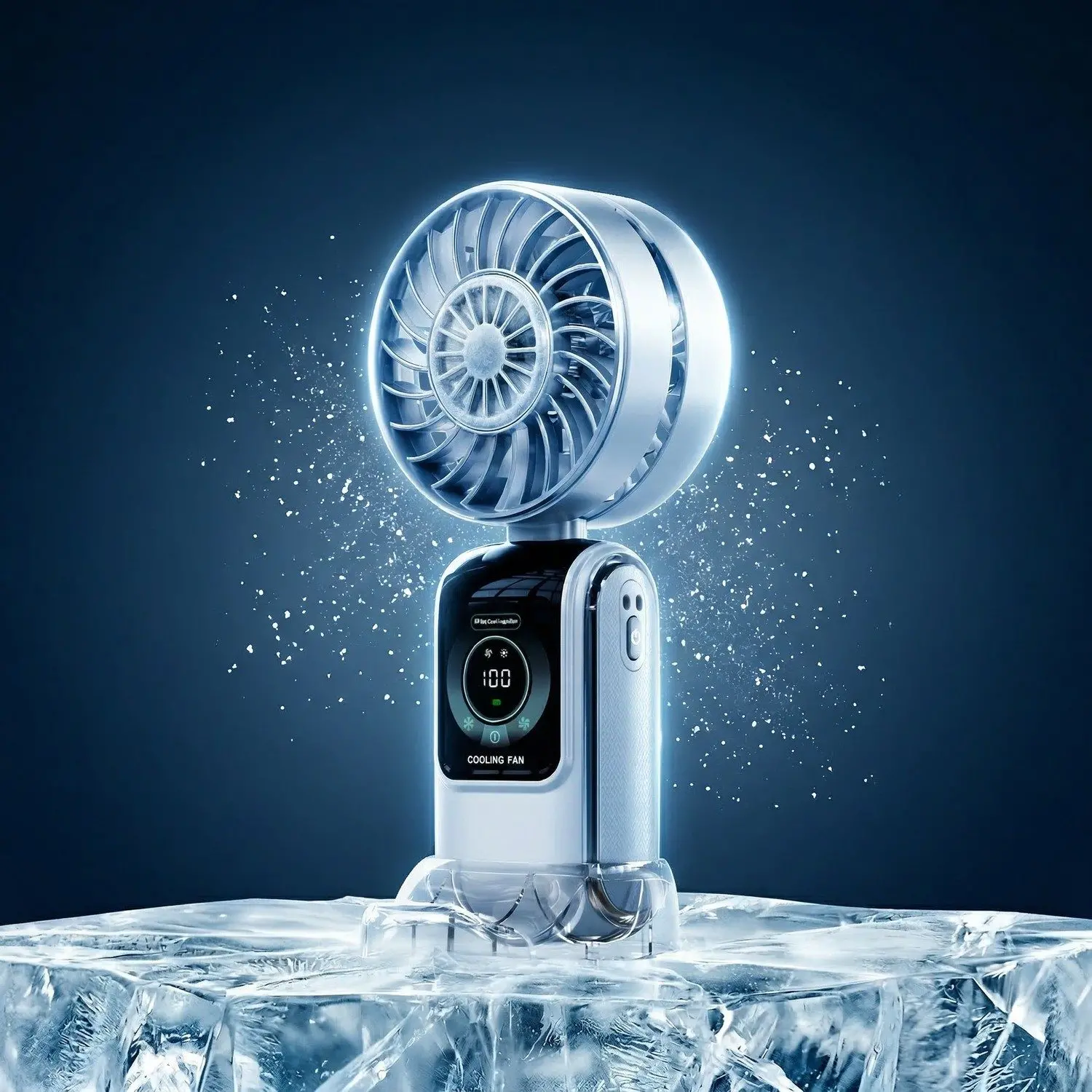
ArcticBreeze Pro Semiconductor Cooling Fan
TEC ice-compress cooling, 100-speed digital display, rechargeable handheld design. The best personal fan for dry heat environments.
$14.99

GlidePro Mini Electric Shaver
Rechargeable, full-body washable, travel-ready portable razor. Took my razor setup from a bag of blades to a single compact device.
$10.99

NexusPivot 180° Gaming Cable
2-in-1 gaming cable and phone stand with 180° pivot. Eliminated two items from my desk — the cable rack and the phone stand.
$9.99
Frequently Asked Questions
Does TEC semiconductor cooling actually work, or is it just marketing?
It works — with caveats. The Peltier effect is real physics that measurably reduces air temperature by 8–12°C in dry conditions at 20–25°C ambient. The limitation is efficiency: TEC modules are about 8–10% efficient at the handheld scale, meaning the device generates significant heat on the back side that must be vented away from the user. In hot, humid conditions, the practical benefit narrows considerably. It’s not marketing fiction, but it’s also not air conditioning.
How long does the ArcticBreeze Pro battery last?
In testing at speeds 40–60 (practical daily range), I got 2.5–3 hours of continuous use. At maximum speed with full TEC engagement, runtime drops to roughly 90 minutes. This is shorter than a comparable USB fan because the Peltier module draws meaningful additional current. For full-day use, keep a USB-C cable available. For commutes and 90-minute meetings, the internal battery is sufficient.
Is the 100-speed adjustment actually useful, or just a marketing number?
More useful than I expected going in. The granularity isn’t for engineering precision — it’s for finding your exact noise threshold in quiet environments. In open-plan offices or during video calls, being able to set fan noise at exactly the level where it’s felt but not heard is genuinely valuable. You won’t use 100 distinct settings, but you will use 3–4 specific numbers you dial into after the first week.
Who should buy the ArcticBreeze Pro, and who should skip it?
Buy it if: You work in dry heat conditions (office, car, dry climate), you care about noise-precise speed control, or you want noticeably cooler air rather than just airflow. Skip it if: You’re in a highly humid climate where TEC efficiency drops sharply, you need 4+ hours of untethered runtime, or you’re in a well-air-conditioned environment where ambient airflow is sufficient. At $14.99, the risk/reward is favourable for most buyers in the target use case.

Explore More Tech That Earns Its Place
From TEC cooling fans to precision personal gadgets — shop nonobrand’s Tech & Gadgets collection for gear that passes the 30-day test.


About author